
2.0 KiB
sdp-request-watcher
Env and Server Setup
env.example contains the setup for the env requires a Non-Browser Application key from https://api-console.zoho.com/add Place the .env file inside the src directory
Technicians and Statuses are checked in the .env file
I resolved the issue with it only finding closed tickets so it should now find resolved and closed I havent tested with others but will
The technician field can have spaces after the comma however the statuses can not. There can be no spaces before the status or it wont work properly.
Site Setup
Open the site after the server is running, then connect the Zoho account from the board.
- Start the server from the
srcfolder with node ./server.js - Open the local dashboard in your browser. Should be localhost:3000
- Click Connect to begin the Zoho authorization flow.
- Approve the device code on the Zoho page, then return to the dashboard.
What you should see:
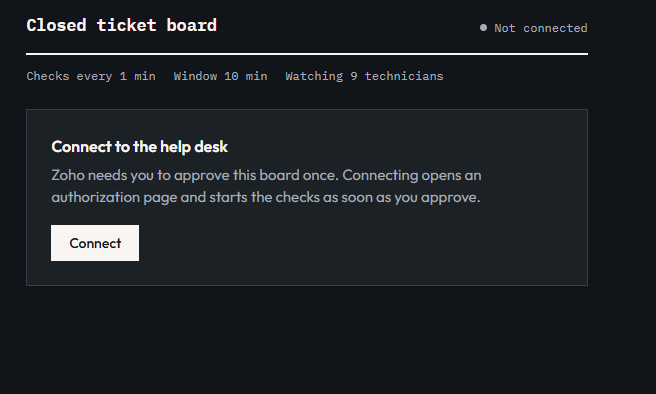
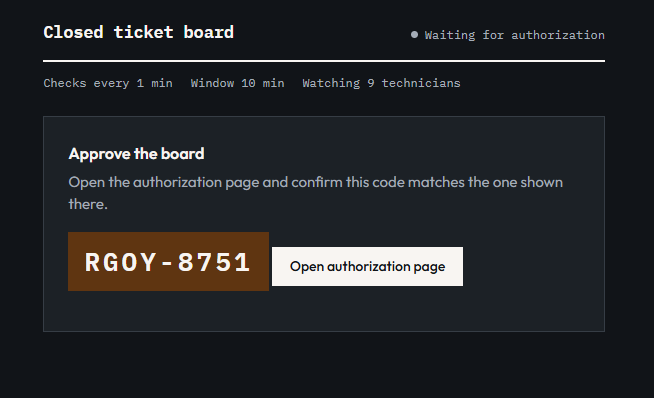
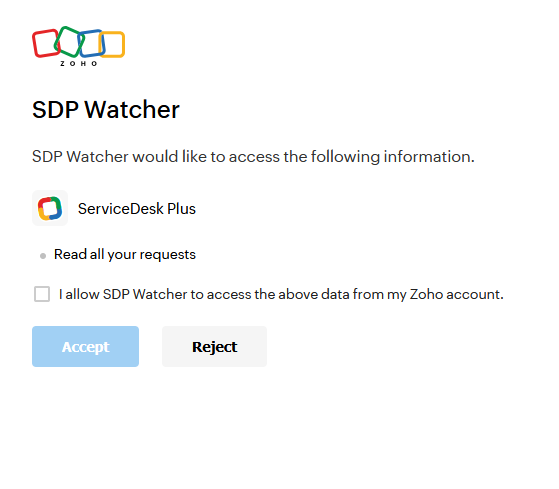
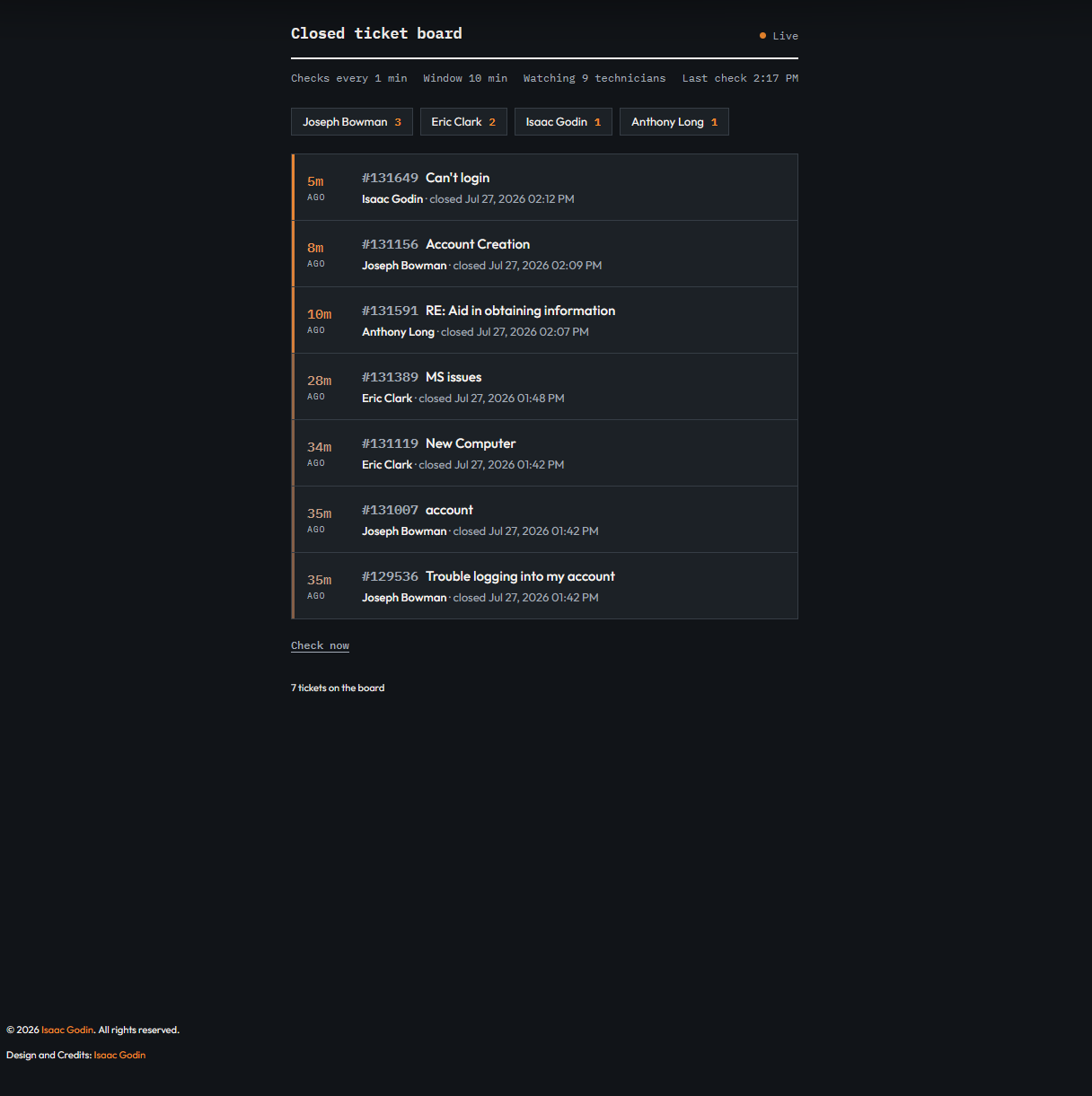
Once connected, the board will begin checking for tickets automatically and refreshing on its own based on the time set in the server.js file.
Requirements
axios dotenv